Before installing a PC game: requirements and controller checks
Check the individual Steam listing, then confirm whether your intended controller features need a USB connection.
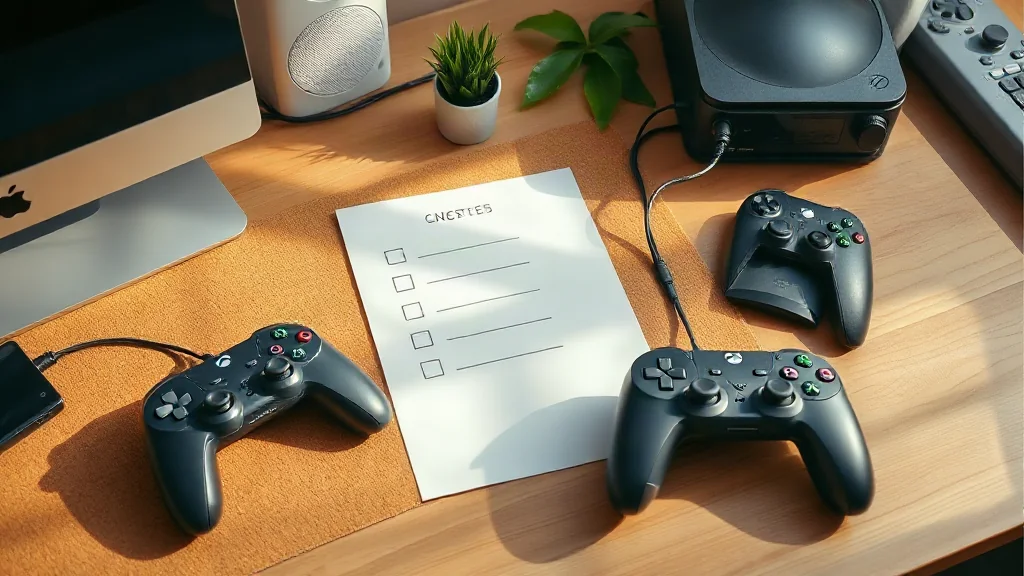
Start with the individual Steam store listing before purchasing a PC game. Steam lists system requirements and controller support by title, so compare the requirements with your computer and check the support information against the controller you intend to use. Treat each game as a separate decision.
For DualSense users, connection method is another practical check. The controller pairs with supported devices through Bluetooth or USB, but individual game features vary. On PC, haptic feedback requires USB in supported games; Bluetooth pairing alone does not establish that feature support.
Sony lists select PC titles with DualSense features, including Cyberpunk 2077, Death Stranding Director’s Cut, God of War Ragnarök and Final Fantasy VII Rebirth. Use that list as a starting point, then verify the particular features and connection requirements for your chosen title.